
All courses / Compliance
The requirements are not the hard part. The production time is
Accessible video is a legal requirement for public bodies and increasingly expected of everyone else. Captions, readability, speech intelligibility, audio description — the rules themselves take twenty minutes to explain.
The problem is that meeting them by hand roughly doubles the time each video takes. This day is as much about workflow as about regulation: what is actually required, where the exemptions are, and how to automate the parts that can be automated.
- Length1 day
- FormatOn site or online
- LanguageNorwegian or English
- CategoryCompliance
After the course you can
Accessible video (WCAG)
- Know precisely what the regulations require of your videos, and what they do not
- Produce captions with AI and correct them in a fraction of the manual time
- Deliver an audio-described version without rebuilding the edit
- Mix speech so it is intelligible, without burying the music
- Check contrast and safe zones before publishing rather than after a complaint
What we cover
The program
What is actually required
- The current regulations, in plain language
- The exemptions — including the ones people do not know they have
- The accessibility statement, and what has to be in it
- Regulations to build for now
Captions
- Speech to text locally on your own machine
- Cloud-based alternatives, and when each is appropriate
- Translation with AI, and how far to trust it
- The SRT format, and why it matters where the file lives
- Burnt-in text versus a caption file — the real trade-off
Audio description
- Adding a separate audio description track
- Extending shots with b-roll or AI to make room for the description
- Choosing which tracks a viewer hears
- Exporting multiple audio tracks, and uploading them where they will be used
Sound
- The requirement for speech intelligibility, and how it is judged
- Normalizing and compression for even levels
- Ducking music, and adding a frequency gap for the voice
- What a close microphone does that no plugin can undo
- Removing room and noise, and improving speech with AI
Contrast, text and graphics
- The readability requirements
- Safe zones
- Tools that tell you whether the contrast passes
- Exactly where to measure the contrast
- Color blindness simulation, on your own graphics
Sign language
- The different interpreting solutions
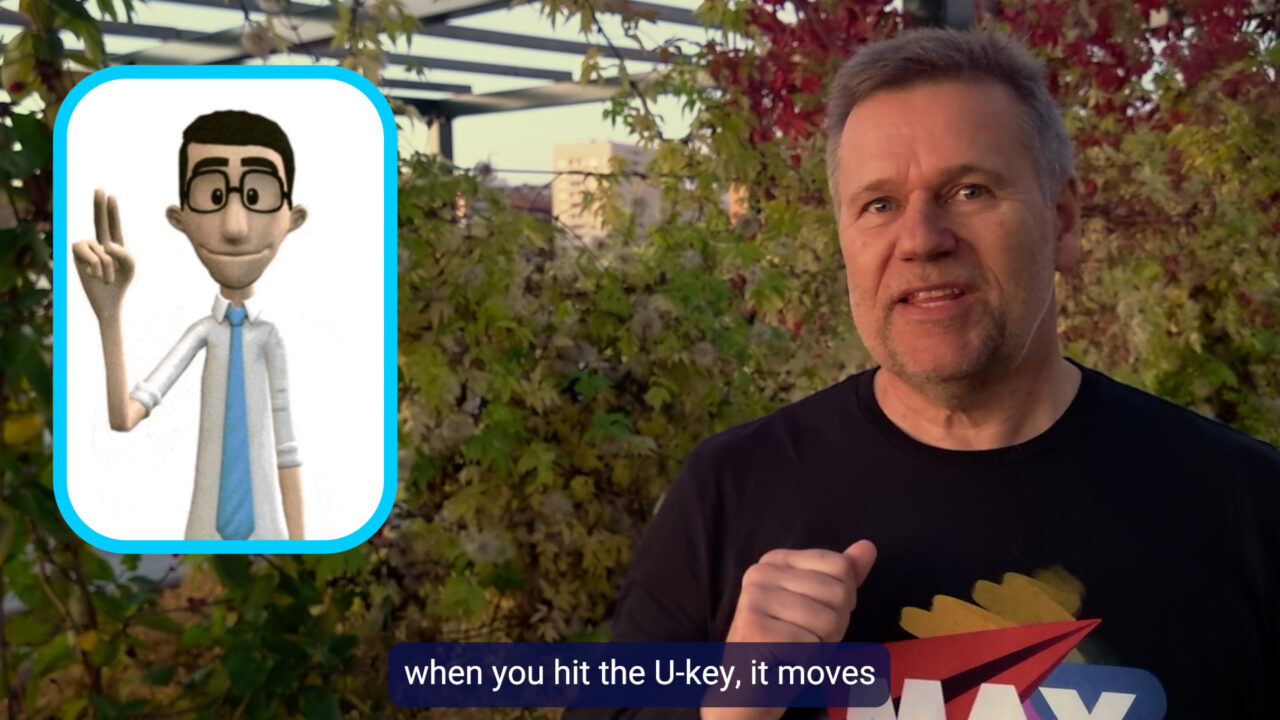
- Picture-in-picture, and where it should sit
Publishing
- Choosing audio channels
- Uploading extra channels for audio description
- Worked examples from YouTube, Netflix, Vimeo, and broadcast channels
The honest bit
A good part of this day is spent narrowing the job rather than expanding it. Several of the requirements people fear most either do not apply to their material or are satisfied by something they already do, and knowing which is which is worth more than any single technique.
Who it is for
Content producers, communication staff, photographers, video reporters, editors, journalists — anyone making video for the web.
Prerequisites
None. Bring published videos of your own and we will assess them against the requirements during the day.
Bring
Bring three videos you have already published. Running them through the checks in front of the group is extremely useful.
Open courses
Prefer a fixed date for one person?
Also runs as an open course at Qross Kurssenter — classroom in Oslo and live online on the same dates.
Also runs as an open course at Institutt for Journalistikk, at Pressens hus in Oslo, with member pricing for the press organizations.
Questions
About this course
Does this apply to us?
If you are a public body, yes. For private organizations, also yes, but with some exemptions.
Do we have to caption everything?
Not necessarily, and the distinctions matter. Pre-recorded and live are treated differently, as are video that carries information and video that only decorates. We go through the cases with your own material.
Can this be combined with another course?
Often the best way to buy it. A day of accessibility bolted onto a Premiere course means the requirements are learned inside the workflow rather than as a separate compliance exercise.
Related courses
Related courses
1 dayAutomating Premiere and After Effects with AI
Half the work in an edit suite is not editing.
2 daysPlugins for Premiere and After Effects with AI
Every editor has a list.
2 daysAdobe Premiere — beginners
Most people who edit in Premiere taught themselves, which means each of them invented a way of working that nobody else understands.
Want this for your team?
Tell me what goes wrong today and you get a written plan and a price back. Two sentences is enough.